This widget allows you to display a different announcement to users based on their training status in the selected Required Course.
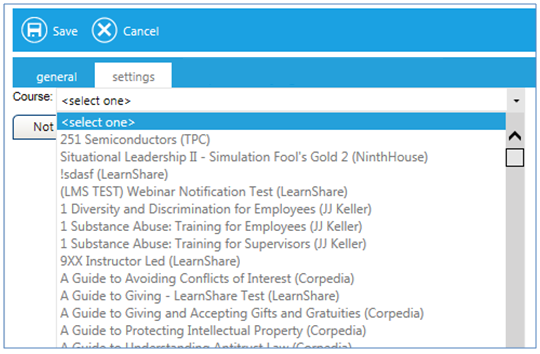
The Settings tab allows you to select the Required course.
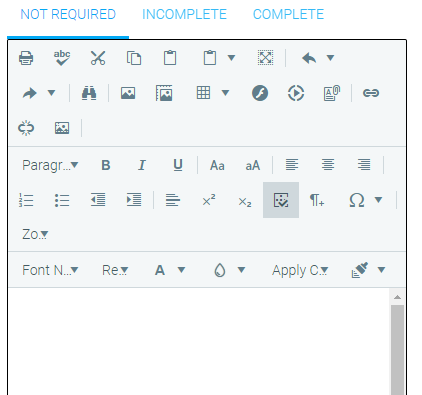
Once the class is selected, click on each status (Not Required, Incomplete, and Complete). A text window will open for you to enter the corresponding message for that status. When a user views this widget, they will only see the message that was entered for their current training status in the selected course. Be sure to enter text for each possible course status so that no user sees an empty widget.